Is iCloud Photos Really Private? What Apple's Fine Print Says
iCloud Photos syncs your library by default, and Apple can access it without Advanced Data Protection. What the fine print means for your photos.
- iCloud Photos turns on during iPhone setup and uploads your whole library to Apple.
- By default, Apple holds the keys and can hand over your photos on a valid legal request.
- Advanced Data Protection (ADP) adds end-to-end encryption, but it is off by default.
- Metadata (GPS, dates, recognized people) goes along with the photos.
iCloud Photos syncs everything by default
iCloud Photos is toggled on during the setup of a new iPhone. Photos, screenshots, and videos then upload to Apple's servers under the "standard data protection" described in Apple's iCloud security overview.
Apple can access your photos (and has)
Apple publishes transparency reports twice a year on government data requests.
iCloud content requests, which include photos, are a separate category. Given a valid legal request, Apple can and does hand over that data, as its Legal Process Guidelines state.
The CSAM scanning saga
Server-side scanning remains technically possible under standard data protection, since Apple holds the keys.
Advanced Data Protection, the setting nobody enables
Since December 2022, Advanced Data Protection (ADP) makes iCloud Photos end-to-end encrypted: Apple no longer holds the keys. According to Apple's support page, it covers 23 data categories, including Photos, Notes, and iCloud Backup. It is off by default. No public adoption data exists, but the vast majority of iCloud users almost certainly still run standard protection.
What Apple's privacy policy actually says
Apple's privacy policy states that personal data may be processed "to help improve our products and services" and shared with "strategic partners." iCloud data is stored on Apple's servers and on third-party cloud infrastructure (Google Cloud and Amazon Web Services), encrypted but decryptable by Apple under standard protection.
The photo metadata question
iCloud also syncs embedded metadata: GPS coordinates, timestamps, device information, and people recognized by the on-device ML model. Apple's on-device intelligence features do that recognition locally, but once photos sync under standard protection, Apple can access the metadata showing where you go, who you see, and when.
What are the alternatives?
| Approach | Tradeoff |
|---|---|
| Enable ADP | Complex setup, no recovery if you lose your key |
| Disable iCloud Photos | You manage storage manually |
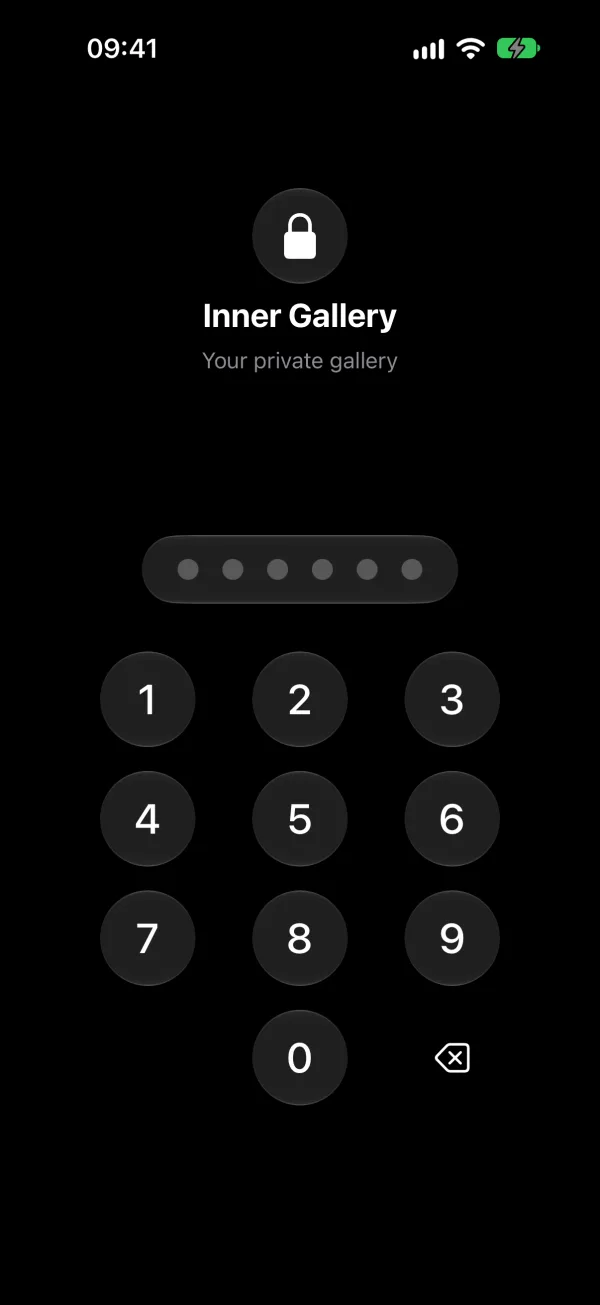
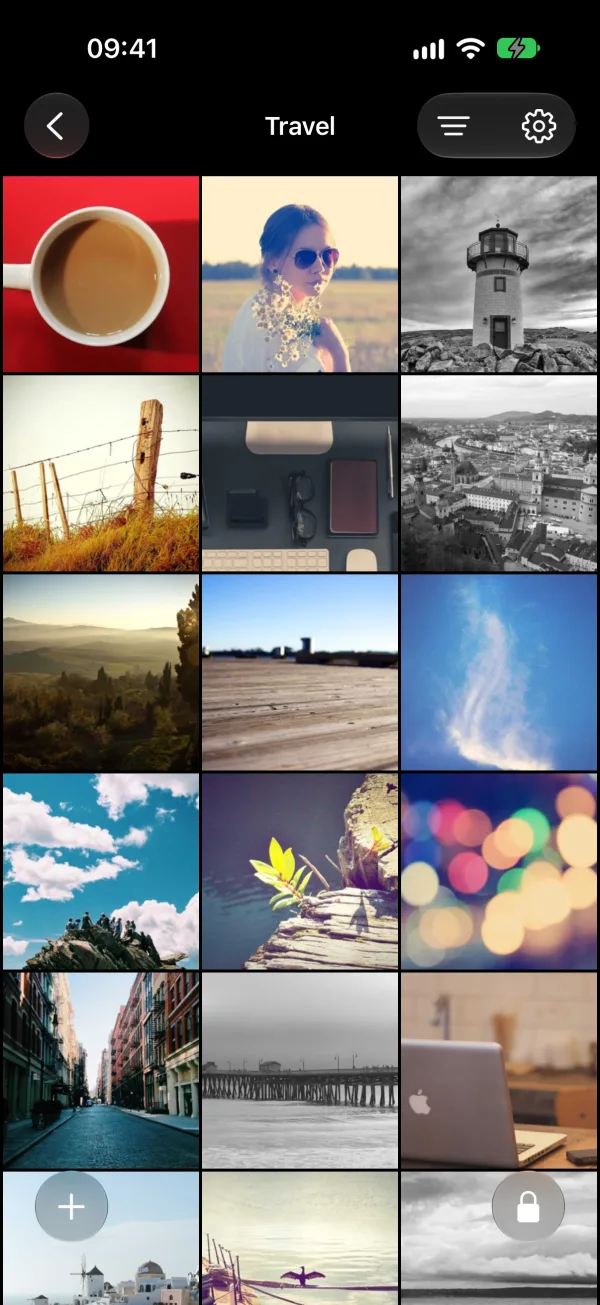
| Local encrypted vault | For sensitive photos only, kept off iCloud |
Only the third approach removes the server from the equation, provided the vault is local: most vault apps also use cloud storage.
Related reading:
- iOS Hidden Folder Is Not Enough: why Apple's built-in Hidden album doesn't protect your photos
- Are Photo Vault Apps Actually Safe?: most vault apps send your photos to servers
- How to Hide Photos on iPhone: every method compared
- Google Photos vs iCloud vs Local Storage: a full privacy comparison of cloud and local options
- What Happens to Your Photos When You Lose Your iPhone: why iCloud recovery doesn't solve everything