Photo Encryption on iPhone: What It Actually Means
iOS encrypts your photos by default, but that protection disappears when you unlock. What encryption covers and why CryptoKit matters.
- Your iPhone encrypts every file on disk, with keys tied to the device passcode and the Secure Enclave.
- The Photos app uses the default protection class: files are accessible from the first unlock until a restart.
- That encryption protects against hardware extraction, not against someone with your passcode.
- App-level encryption with a separate key keeps photos protected on an unlocked device.
Vault apps, cloud services, and Apple all use the word "encrypted," each with a different meaning.
iOS encryption, strong but conditional
Every modern iPhone encrypts files on the flash storage chip, with keys derived from the device passcode and hardware keys burned into the Secure Enclave. Apple's platform security guide defines four data protection classes, which set when a file can be decrypted.
| Class | Files accessible | Use |
|---|---|---|
NSFileProtectionComplete | Only while unlocked | Very few apps |
NSFileProtectionCompleteUnlessOpen | Unlocked, or file already open | Finishing a write after lock |
NSFileProtectionCompleteUntilFirstUserAuthentication | First unlock until restart | Default, including Photos |
NSFileProtectionNone | Any time, even before unlock | Least protective |
The Complete class purges the key from memory on lock, which blocks all background work.
Photos in the Photos app are encrypted on disk, but accessible in memory from your morning unlock until you restart. On a stolen phone that hasn't been restarted, they are accessible.
What "encryption at rest" actually protects
iOS file encryption targets one specific scenario: someone extracts the flash storage chip to read the raw data. This is why law enforcement sometimes can't get into a locked iPhone, as Elcomsoft's forensic analysis details.
The "military-grade encryption" problem
The phrase usually refers to AES-256, the US government's encryption standard. The algorithm is strong, but AES-256 data on a server where the company holds the keys can be decrypted by that company at any time. Four questions matter more:
- Who holds the key? If it is the app developer or the cloud provider, your data is accessible to them.
- When are files decrypted? If they are decrypted in memory whenever the device is unlocked, the encryption only protects against hardware extraction.
- Is each file encrypted individually? Per-file encryption limits the damage if a key is compromised.
- How is the key derived? A 4-digit PIN has 10,000 possibilities. A 6-character alphanumeric PIN with PBKDF2 and 100,000 iterations is exponentially harder to brute-force.
App-level encryption, a different approach
App-level encryption works independently of iOS file protection: the app encrypts each file with its own key.
| State | Photos |
|---|---|
| Device unlocked, vault locked | Encrypted, inaccessible |
| Device unlocked, vault open | Decrypted in memory, visible in the app |
| Device locked | Encrypted by the vault and by iOS |
Someone who knows your iPhone passcode cannot open the vault without also knowing the vault PIN.
The physical safe analogy
| In an apartment | On your iPhone |
|---|---|
| Front door key | Device passcode |
| Steel walls | iOS encryption at rest |
| Safe with its own combination | Encrypted vault with its own PIN |
Whoever has the front door key can reach every room and drawer. They can see the safe exists, but can't open it without the combination.
How Inner Gallery implements this
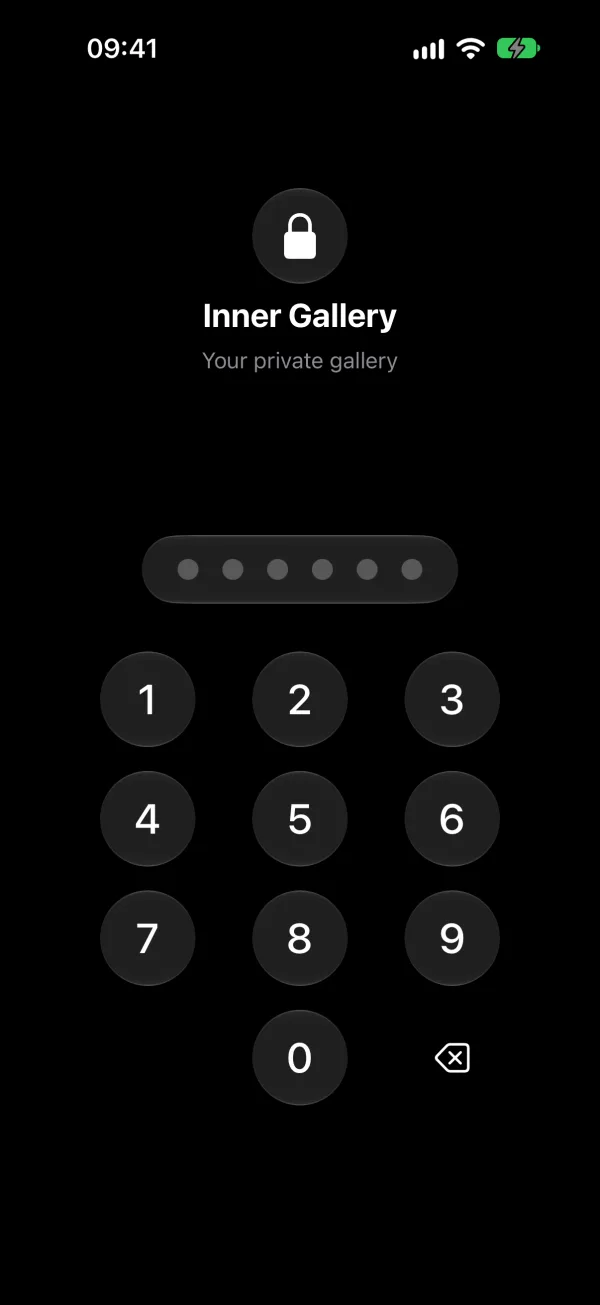
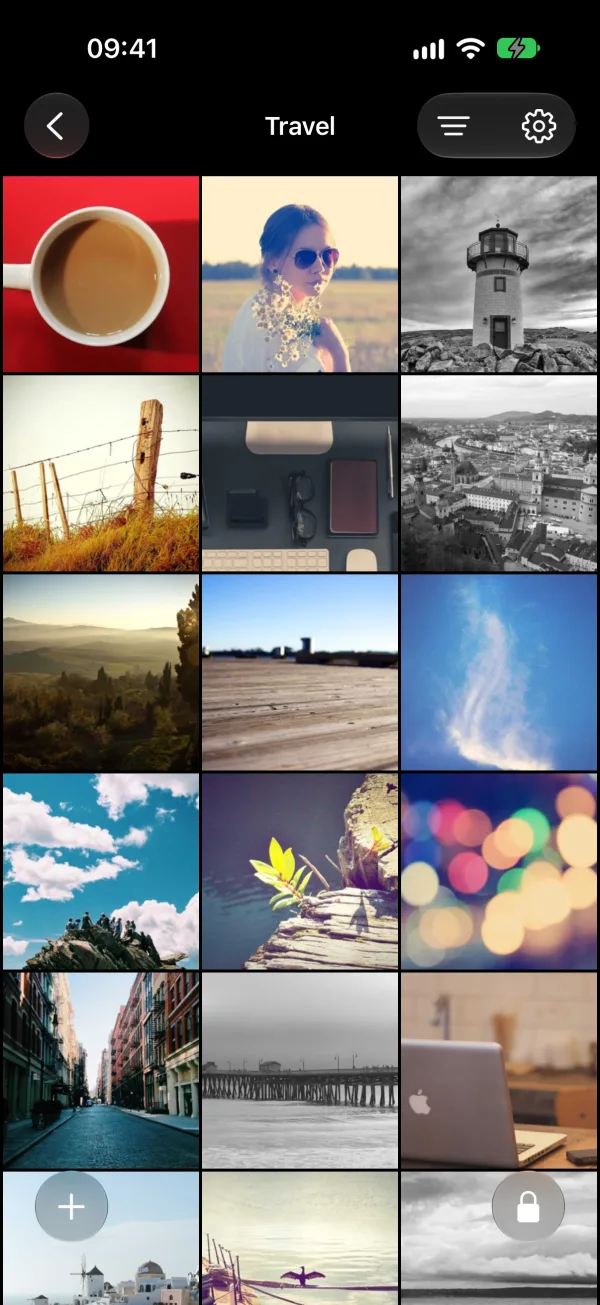
The app has no analytics and no third-party dependencies. As explained in Why Inner Gallery Works Without a Server, this local-first architecture eliminates the need for accounts, third-party servers, and the recurring costs that come with them.
For the practical settings, see The iPhone Photo Privacy Checklist.
Related reading:
- How to Encrypt Photos on iPhone: the 4 steps that close the gaps
- How to Hide Photos on iPhone: every method compared, from Hidden album to encrypted vaults
- 5 Best Photo Vault Apps for iPhone: honest review of the top vault apps
- Is iCloud Photos Really Private?: what Apple's fine print says about your photo library
- Why Inner Gallery Works Without a Server: the architecture of a local-first vault